PC requirements
Zombies Aren't Real PC Requirements
Zombies Aren't Real is a Windows PC game. Here are the official minimum and recommended specifications, what the developer says about graphics settings, and the platforms it does not support.
The short answer
Zombies Aren't Real runs on Windows 10 or 11, 64-bit only. It is sold on Steam, needs 2 GB of free storage, and does not run on macOS or Linux. There is no browser or mobile version.
Official minimum requirements
Straight from the Steam store page:
| Minimum | Recommended | |
|---|---|---|
| OS | Windows 10/11 64-bit | Windows 10/11 64-bit |
| CPU | 4-core at 3.0 GHz (Intel Core i5-6500 or AMD Ryzen 3 1200) | 6-core at 3.5 GHz (Intel Core i5-10400 or AMD Ryzen 5 3600) |
| Memory | 8 GB RAM | 16 GB RAM |
| GPU | DirectX 11 with 2 GB VRAM (Intel UHD 620, GeForce GTX 750 Ti or Radeon R7 260X) | GeForce GTX 1050 Ti or Radeon RX 570 |
| DirectX | Version 11 | Version 11 |
| Storage | 2 GB available | 2 GB available |
The minimum set is genuinely old hardware - a 6th-generation Intel chip or a first-generation Ryzen, and an integrated Intel UHD 620 is explicitly listed as sufficient. That is a low bar for a game that renders a whole city district from above.
The developer's performance tip
The store page attaches one line to the requirements, and it is worth more than the table: "Choose 'Low' in the graphics settings for a smoother experience."
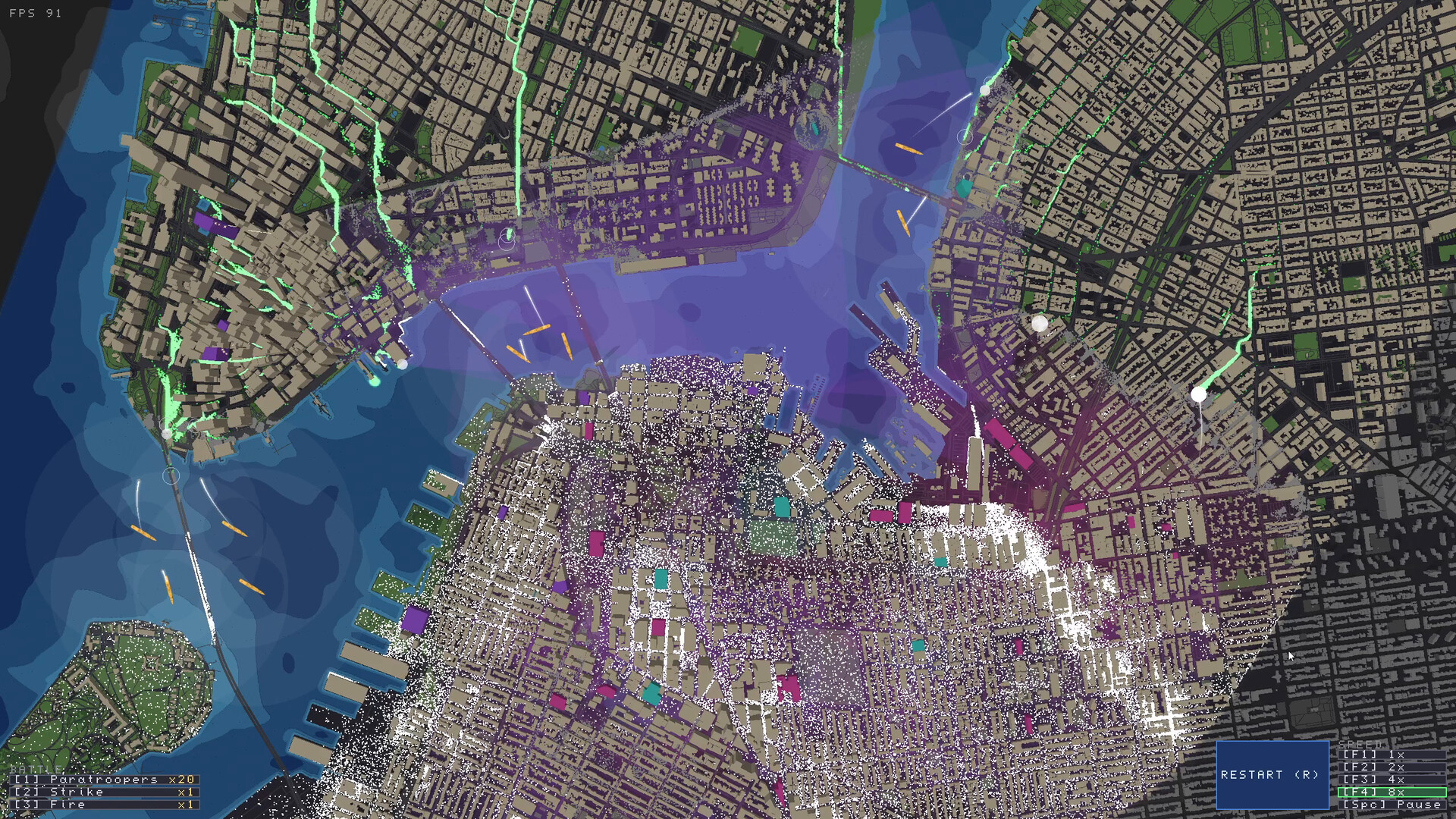
That is an unusually direct recommendation from the developer, and it tells you what the game actually cares about. Rendering thousands of buildings, street networks and moving dots across a whole city is the expensive part, not the visual style - the screenshots show a flat, readable, low-poly map rather than heavy effects. Dropping the graphics settings costs you little visually and is the first thing to try before blaming your hardware.
Reading the FPS counter
The game shows an FPS counter in the top-left corner, and the official store screenshots capture it at 91, 90 and 120 FPS on whatever hardware the developer was running. That is a useful public signal: the game is comfortably above 60 in the developer's own captures, and you can check your own number in the same corner without digging through settings menus.
If your FPS is lower than you would like, work through it in this order:
- Set graphics to Low. The developer's own recommendation.
- Close background apps. An 8 GB machine at the minimum spec does not have much headroom.
- Check the zoom level. The screenshots show both street-level views and full-city zoomed-out views; the zoomed-out view renders far more geometry at once.
- Compare against the minimum spec. A GPU below the Intel UHD 620 / GTX 750 Ti / R7 260X tier is below the stated floor.
What it does not run on
- No macOS, no Linux. The store page lists Windows as the only platform.
- No browser version. There is no web build of Zombies Aren't Real. Sites that offer a browser version or an APK are not offering this game.
- No mobile version. Same answer - it is a Windows PC game.
Extras that come with the PC version
The store page lists these as part of the Steam release: Steam Achievements (14, with 5 marked rare), Steam Cloud, Steam Leaderboards, Family Sharing, adjustable difficulty, adjustable text size, camera comfort options, colour alternatives, custom volume controls, and the category playable without timed input. The last group matters if you want to play at your own pace - the game explicitly supports that, on top of its own pause and speed controls.
Controller support
The store page does not list controller support for this title, and the planning and battle menus shown in the official screenshots are keyboard-driven, with labelled keys for deploy, build, civilian commands, view modes and ready-up. Plan on keyboard and mouse.